Trust
How verification works
Learners open a personal link, confirm their email with a short code, and start in about 30 seconds — no password to invent or forget.
Frictionless invite
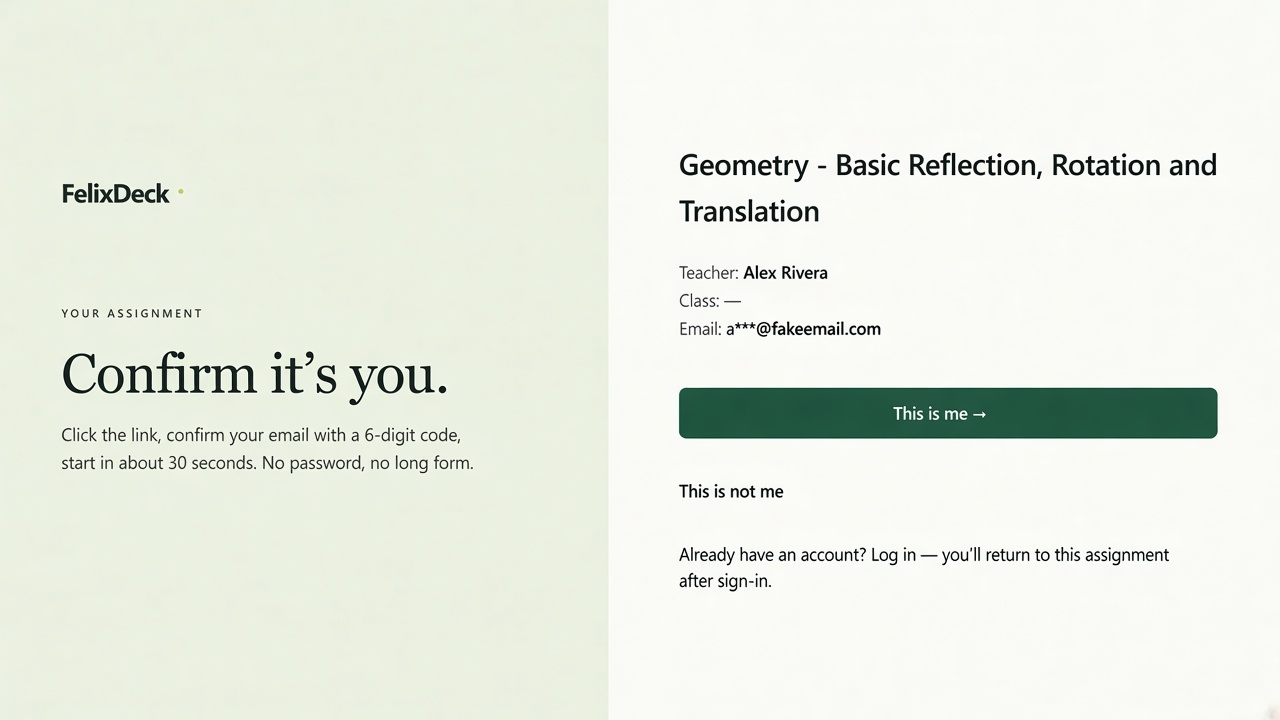
Confirm it’s you — then start.
You send a personal assignment link. They tap This is me, enter a 6-digit email code, and begin. No password, no long form — and the attempt stays tied to the email you invited.
- Invite is personal — meant for that learner’s email, not a public open quiz URL
- Short-lived code, not a reusable password to manage
- Verified attempt records you can trust when you release results
- 01
You send a personal link
Each invite is tied to an email address so the attempt record matches the person you invited.
- 02
They enter a 6-digit code
The code is sent to that email. It is short-lived and not stored as a reusable password.
- 03
Verified attempt
When they submit, you can trust the attempt is associated with the verified email — without forcing children or parents through a full account signup.